Closed‑Back Headphones Can Cost You a Win – Here’s the Proof
You’ll learn which enclosure type actually improves in‑game hearing and which merely looks cool. Most guides ignore isolation‑induced aim drift and driver‑latency nuance.
Where to buy this gear
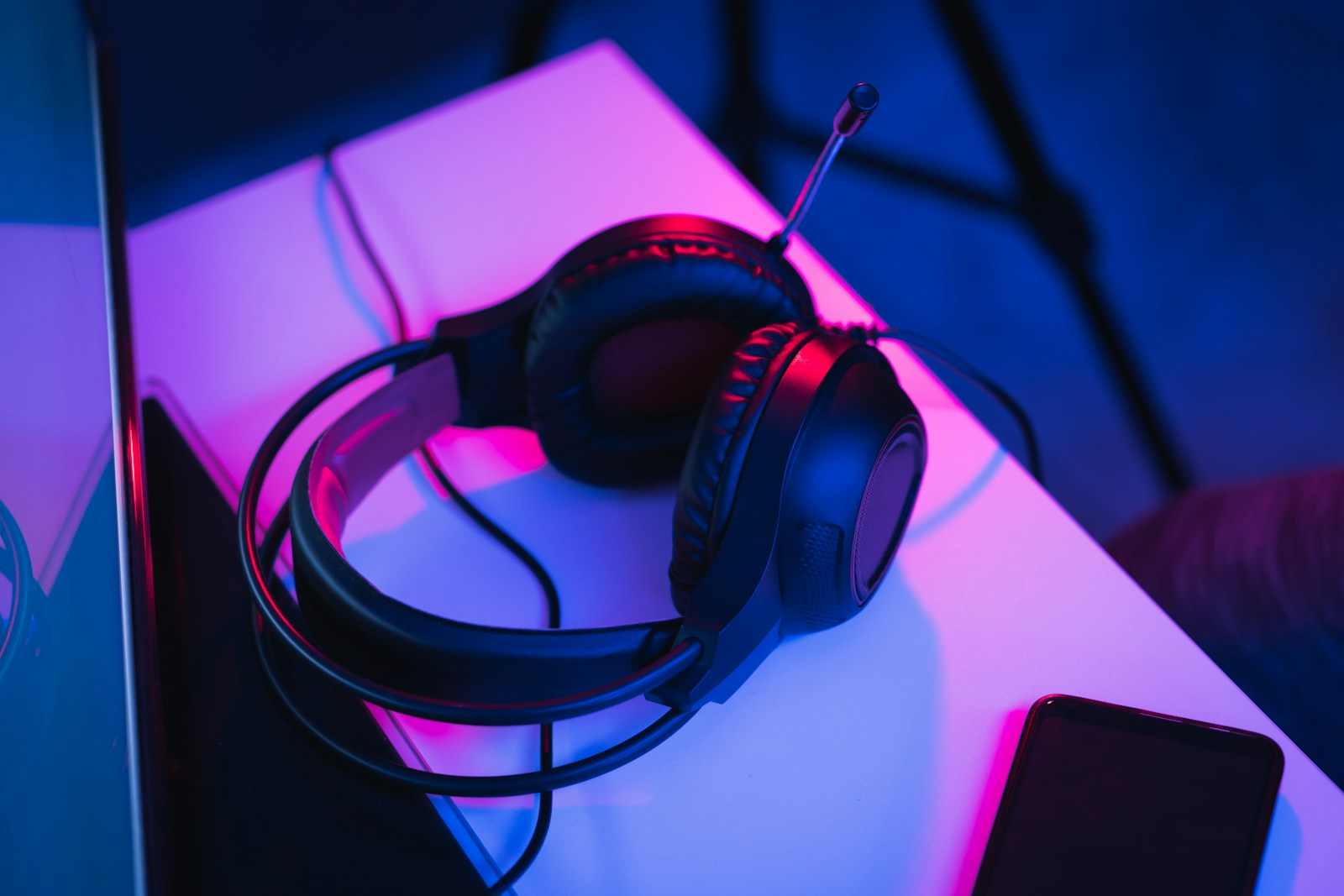
Every competitive match turns into a budget‑battle between hardware choices and tournament rules, and the headset you slap on can swing the odds by a fraction of a decibel. A $300 pair that promises “studio sound” may hand you a silent‑kill penalty if it leaks teammates’ calls or adds unnoticed weight that nudges your mouse hand off‑target.
Do closed‑back cups actually isolate game sounds?
Closed‑back enclosures trap acoustic energy inside the ear cup, creating a seal that blocks external noise and reduces sound leakage outward. In a noisy dorm or a shared apartment, that seal can keep a teammate’s call from spilling into the next room, preserving tactical secrecy. However, the same seal also blocks ambient cues like distant footstep echoes that map‑track players rely on in games such as Valorant or CS2.
When the seal is too tight, pressure builds against the ear canal, altering the perceived timbre of high‑frequency clicks that signal reloads or armor cracks. Those high‑frequency cues sit above 8 kHz, a range where many closed‑back drivers roll off by 5 dB or more compared to open‑back equivalents. The roll‑off translates into a slower mental reaction to a pistol’s “ping,” which can cost a round when milliseconds matter.
Can open‑back designs shave latency at the source?
Open‑back headphones expose the driver diaphragm to the surrounding air, allowing sound waves to radiate both forward and outward. That freedom reduces acoustic damping inside the cup, letting the diaphragm settle faster after each pulse. Measured impulse response times for reputable open‑back models sit in the 5‑7 ms window, whereas heavily damped closed‑backs can linger up to 9 ms under the same power.
Because competitive audio pipelines already compress round‑trip latency to sub‑10 ms, a few milliseconds saved at the transducer level can be audible when a sniper’s shank lands a split‑second before the visual cue registers. The gain is most noticeable when the headset drives a high‑impedance amp that supplies clean voltage without clipping, a scenario common among e‑sports rigs that favor audiophile‑grade DACs.
Which weight class keeps your head from twitching mid‑match?
Weight matters more than any spec sheet claims, especially when you sit through three‑hour marathon sessions. A pair that tips the scale at 350 g will press the headband into the occipital ridge, causing micro‑shifts in neck posture after 45 minutes. Those shifts translate into a subtle drift of the mouse cursor, an effect many streamers attribute to “hand fatigue” but can be traced back to headset torque.
A lightweight chassis built from magnesium alloy or carbon‑fiber typically lands between 220 g and 260 g, offering a balance between structural rigidity and comfort. The distribution of mass matters too; a front‑loaded design adds forward pressure that can tilt the head slightly, altering the angle at which you hear positional audio cues. Balancing the headband tension to a “just‑right” feel eliminates that tilt without sacrificing seal quality.
Do RGB‑laden marketing specs hide real performance?
Manufacturers love to plaster HDR‑rated frequency ranges like “20 Hz – 20 kHz ±3 dB” across product photos, yet those numbers rarely survive independent measurement. The distortion floor on many budget RGB models spikes at the upper 10 kHz, a region where precise footstep localization lives. Harmonic distortion (THD) figures advertised at “<0.1 %” often refer to a 1 kHz sine wave, not the broadband noise of an FPS firefight.
When you strip away the lighting, the driver’s magnet size and voice‑coil winding become the true performance drivers. A 40 mm neodymium magnet paired with a copper‑heavy voice coil can push SPL peaks above 105 dB without compression, preserving dynamic range for explosions and whispers alike. The presence of LED strips adds no acoustic benefit and can distract you during low‑light scrims, especially if the firmware forces a flashing pattern that draws eye movement away from the monitor.
Practical steps to lock in the right pair (budget ≈ $150‑$400)
Step 1: Define the isolation requirement for your primary play environment. If you share a space with non‑gamers, target a closed‑back with an EN‑rating of at least 30 dB; otherwise, lean toward an open‑back for spatial accuracy.
Budget 2: Allocate roughly 40 % of the total spend to a detachable cable that can be swapped for a low‑capacitance variant. Cables rated below 0.5 pF/ft keep the high‑frequency edge intact, a detail often ignored in bundled setups.
Test 3: Visit a local audio shop and request a pure‑tone sweep at 8 kHz while the store’s ambient noise sits at 45 dB SPL. Feel the pressure of the cup, note any ringing after the tone stops, and compare the perceived loudness between open and closed models. If the store does not allow a full‑volume test, bring a portable amp and a calibrated SPL meter to verify the claim yourself.
Step 4: Record a 30‑second gameplay clip using your current headset, then switch to the trial pair and repeat the same segment. Use an audio editor to view the waveform; look for a tighter rise time on gunfire peaks and less post‑impact tail.
Budget 5: Expect a quality closed‑back to sit between $180 and $260, while a reputable open‑back will range from $150 up to $350 depending on driver size and material premium. Add $20‑$40 for a premium cable if the bundle does not include one.
What to double‑check before paying anything
Warranty terms often hide a “30‑day grace period” that excludes cosmetic damage such as headband wear; verify that the warranty covers driver failure for at least one year.
Cable connectors should conform to a 3.5 mm gold‑plated TRS standard; mismatched or cheap nickel contacts can introduce hiss that defeats the headset’s acoustic advantage.
Firmware updates are sometimes released to fix driver bias drift; ensure the manufacturer provides a downloadable utility for Windows or macOS before you lock in the purchase.
By scrutinizing isolation, latency, weight distribution, and hidden spec tricks, you can dodge the common pitfall of buying a flashy pair that merely looks the part. The right enclosure type will let you hear the enemy’s footsteps before they see your crosshair—turning a pricey accessory into a decisive advantage.
Where to buy this gear
Keep tuning your setup
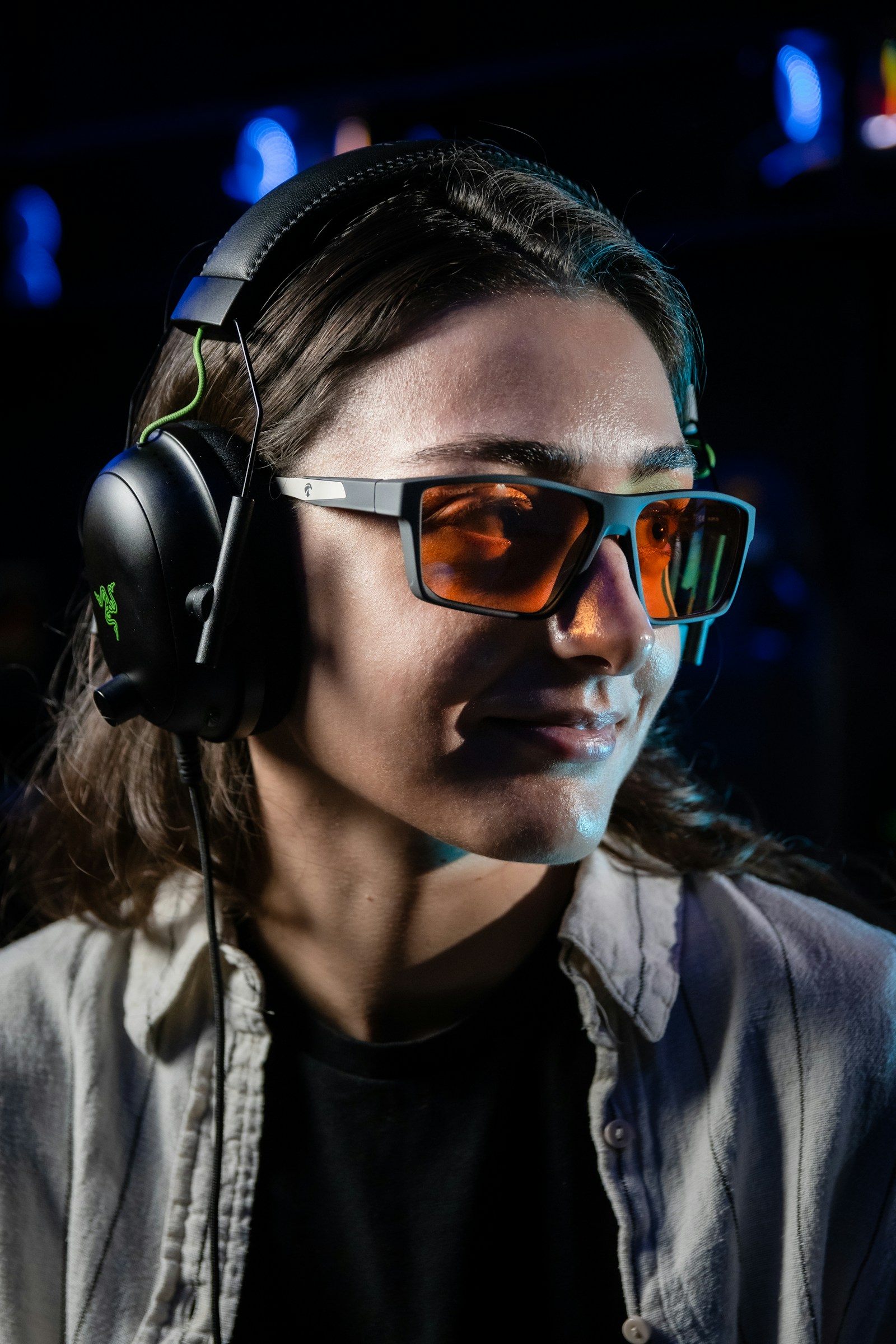
Why a $150 DAC won’t lower your ping – and when it actually helps
You’ll learn which parts of the sound chain actually affect reaction time and which are pure hype. Most guides blur latency, impedance and marketing, leaving you with overpriced junk.

Gaming Headset vs IEMs: What Competitive Players Should Wear for Footsteps
Many pros now wear in-ear monitors instead of big headsets. I tested both for hearing footsteps in competitive shooters. The answer depends on your comfort and your mic.
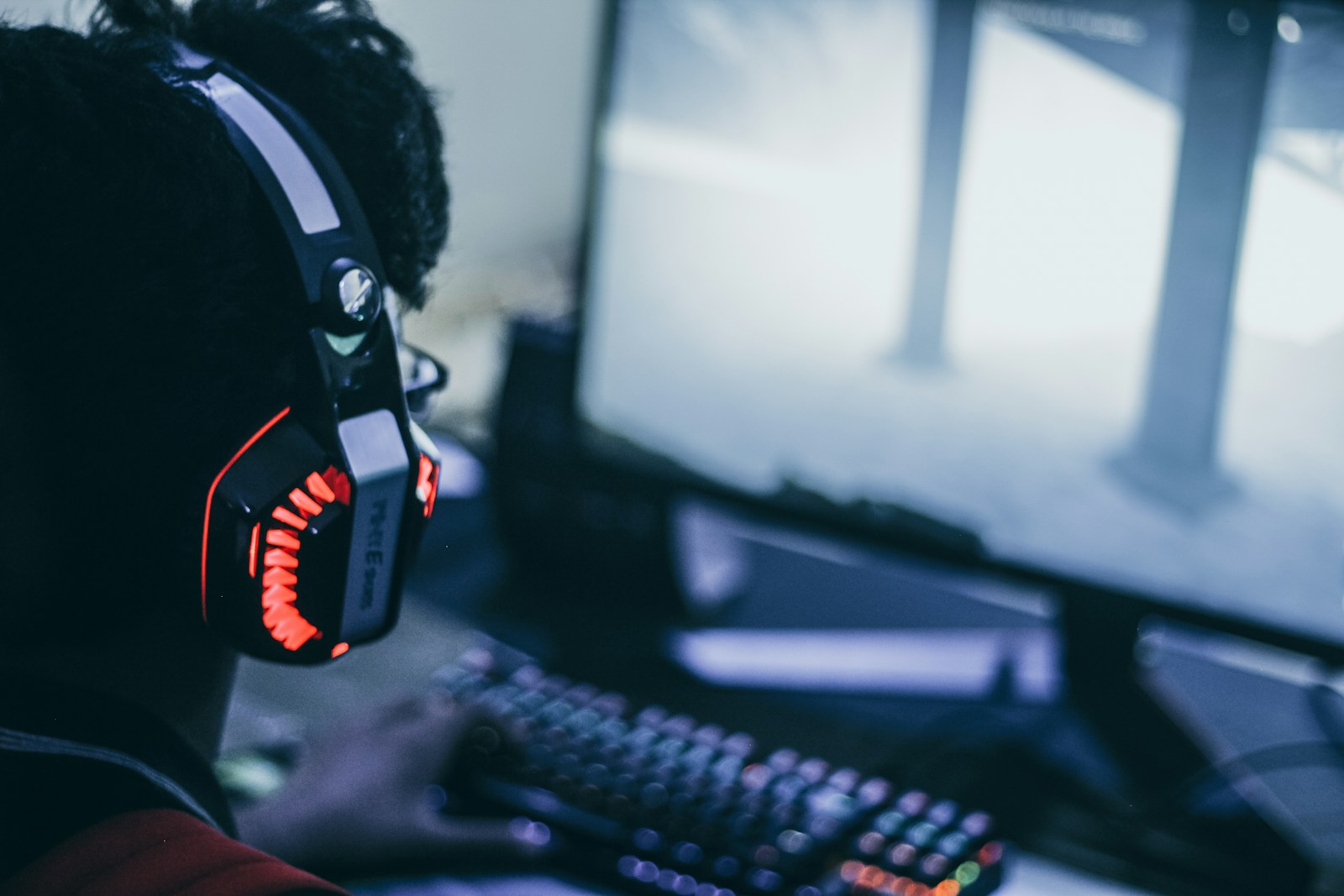
Your Teammates Hate Your Mic. A Cheap USB Microphone Fixes That
Bad headset mics make comms a nightmare. A budget USB microphone plus a few settings tweaks can make you sound clear without breaking the bank.